You logged into Webflow to change a phone number and found two subscriptions on the account instead of one, both renewing, neither obviously the hosting. Then in June the bill moved without anybody telling you why. This is the part of running a Webflow site that nobody explains at the point of sale, and it catches out owners in Bury St Edmunds and Cambridge with equal regularity.
What follows is Webflow pricing plans explained from the invoice backwards: the two separate charges, what each tier actually costs and includes, what the May 2026 change did to a small business bill, whether AI credits are something you need to buy, and the point at which Webflow stops being the cheap option. Prices here are Webflow's own, checked at the start of September 2026.
This is not about what an agency charges to build the thing. That is a different question with a different answer, and it lives in a different post.
Key takeaways
- Webflow bills twice: a site plan for each published website and a workspace plan for the account you build in.
- The Premium site plan is $25 a month billed annually or $39 billed monthly, and it is the only self-serve plan with a CMS.
- The May 2026 change merged the old CMS and Business plans into Premium, raising CMS capacity to 20,000 items across 40 collections, and cut bandwidth on migrated Business sites from 100GB to 50GB.
- Every workspace plan now includes AI credits, from 200 a month on the free tier to 400 on Growth, with add-on packs at $20 a month per 2,000 credits.
- Webflow prices in US dollars, so the sterling cost of a UK site moves with the exchange rate before VAT.
Why your Webflow bill has two lines on it
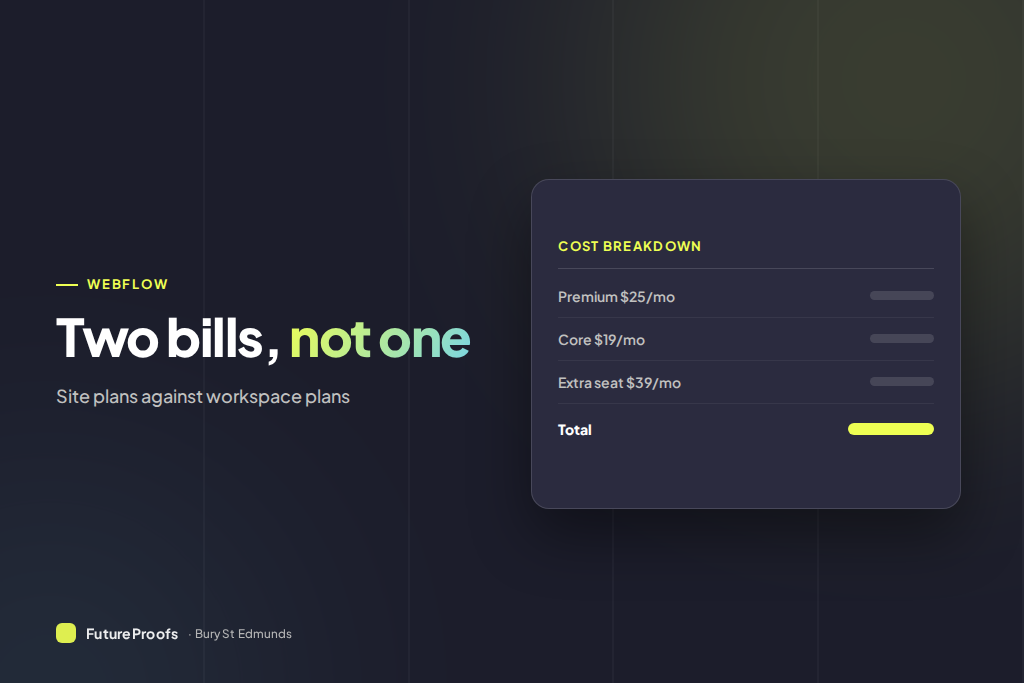
Webflow charges on two axes and they do not overlap. The site plan is attached to a website. It is what lets that site publish to your own domain, and it sets the CMS capacity, the bandwidth and the form limits. One website, one site plan, every month, forever.
The workspace plan is attached to the account you build in. It sets how many people can log in, how many unpublished staging sites you can keep, and how many AI credits you get. A one-person business with one website pays for both. A freelancer with six client sites pays six site plans plus one workspace plan.
That is the structure people miss when they compare Webflow to a WordPress host, because on WordPress the hosting bill is the whole bill. It is also why the honest Webflow platform cost for a small business site is closer to £35 a month than the headline £20 you see quoted.
Webflow pricing plans explained: what each site plan costs
Site plans, per published website, at the annual billing rate. Paying monthly costs meaningfully more, which matters more than it sounds.
| Site plan | Annual billing | Who it is for |
|---|
| Starter | Free | Testing only. Two static pages and a webflow.io address, so not a real website |
| Basic | $15 a month, about £12 | A static site with no blog. 300 static pages, no CMS at all |
| Premium | $25 a month, about £20 | Anything with a blog, case studies or town pages. 20,000 CMS items across 40 collections |
| Ecommerce Standard | $29 a month, about £23 | Selling on Webflow. 500 products, and Webflow takes a 2% transaction fee |
| Ecommerce Plus | $74 a month, about £58 | 5,000 products and no Webflow transaction fee |
Those are the annual rates, and the monthly rates diverge sharply from them. Basic is $15 a month paid yearly and $25 paid monthly. Premium is $25 a month yearly and $39 monthly. Paying monthly on Premium costs around $168 a year extra for the privilege, which is a poor trade for cash flow on a fee this size.
Note also that Basic has no CMS whatsoever. Not a smaller CMS, none. If your site has a blog, a case study collection or a page for every service in every town driven by a collection, Premium is not optional, it is the entry point.
Workspace plans, seats, and the charge people forget
| Workspace plan | Annual billing | What you get |
|---|
| Starter | Free | 1 full seat, 2 staging sites, 200 AI credits a month |
| Core | $19 a month, about £15 | 1 full seat, 10 staging sites, 300 AI credits a month |
| Growth | $49 a month, about £39 | 1 full seat, unlimited staging sites, 400 AI credits a month |
| Freelancer | $16 a month, about £13 | The agency lane equivalent of Core, for people billing clients |
| Agency | $35 a month, about £28 | The agency lane equivalent of Growth |
The line that surprises people is the seats. Every plan above includes exactly one full seat. A second person who needs to edit the design costs $39 a month on top, which is more than the site plan and the workspace plan combined. A limited seat, enough for someone editing CMS content rather than design, is $15 a month. Reviewers who only comment are free.
So a two-person marketing team on Core with one Premium site is not paying $44 a month. It is paying $83. That is the number to budget, and it is the one nobody quotes.
What the May 2026 pricing change actually did
Webflow announced the change on 13 May 2026, applied it to new purchases immediately, and rolled it onto existing sites on 29 June. A third date is still ahead: 16 November 2026, when holders of legacy discounts move across. If you have been on Webflow since before 2022 on a grandfathered rate, that is a diary entry, not a rumour.
What was merged
The CMS and Business site plans were combined into a single Premium plan. That removed a choice most buyers found genuinely confusing, since the difference between the two was bandwidth and form volume rather than anything visible on the site. Static page limits on Basic doubled from 150 to 300. CMS capacity on Premium went to 20,000 items across 40 collections, well above what either of the old plans carried.
What quietly got worse
Sites moving off the old Business plan lost bandwidth, down from 100GB to 50GB a month, and the Webflow Cloud allowances were cut hard, with monthly web app requests dropping from 10 million to 2 million and CPU hours from 120 to 30. For a Suffolk service business with a forty page site, 50GB is not a constraint you will ever notice. For anyone running an application on Webflow Cloud, it was a real reduction dressed as a simplification.
What it did to a typical small business bill
If you were on the old CMS plan, which most small business sites were, you pay a little more now and get vastly more CMS headroom you probably will not use. If you were on Business, you pay less and lost bandwidth you were not using either. Nobody running a single brochure or blog site should have seen a shock. The honest summary is that it was a tidy-up with a modest rise attached to the smaller of the two merged plans, and the loudest complaints came from Webflow Cloud users rather than from small business site owners.
What AI credits are, and whether you need to buy more
AI credits are a metered allowance that sits on the workspace, pooled across everyone in it, and they pay for the AI features Webflow has been shipping through 2026. Generating copy, improving SEO and AEO on a page, creating CMS items, generating code components and running AEO agents all draw down credits. Plenty of things do not: contextual help, building sites and sections, app generation, Optimize and Localize are all free.
Allowances run 200 a month on the free workspace, 300 on Core or Freelancer, and 400 on Growth or Agency. Run out and Webflow tells you in the interface and blocks the next credit-consuming request until your allowance resets. A request already running finishes, which can push you negative and eat into next month. Extra packs are $25 a month for 2,000 credits, or $20 a month if you buy annually, and self-serve accounts can stack up to fifteen packs.
Should you buy more? Almost certainly not. A small business publishing a couple of pages a month will not get near 300 credits. Credit burn becomes real when someone sets an agent running across a large site or generates CMS items in bulk. The rundown of what Webflow's AI tools actually do covers which features are worth the credits and which are best ignored.
Which Webflow plan does a typical Suffolk small business need?
For the overwhelming majority of the businesses we build for, a butchery, a plumbing firm, an aesthetics clinic, a haulier, the answer is the same: one Premium site plan and a Core workspace plan, both billed annually. That is $44 a month, roughly £35, before VAT and before the exchange rate does anything interesting. If you are in Diss or nearby, our web design for Diss businesses folds this bill into the monthly plan.
Take Basic only if the site is genuinely static and always will be, which in practice means no blog, no case studies and no collection-driven town pages. Ecommerce Standard works if you want to sell on Webflow, but it adds a 2% transaction fee on top of Stripe's cut, and Plus only pays off once 2% of your monthly turnover exceeds the $45 price difference. For most small shops we build on Shopify instead, with our Shopify stores from £495 a month. Take Growth over Core only if you need more than ten staging sites, which almost nobody outside an agency does.
On a FutureProofs plan you do not choose any of this, because the site and workspace plans sit inside the monthly website plan along with the hosting, and there is no separate Webflow invoice or renewal date to track. That is also what the maintenance side covers: somebody watching the renewal, the plan tier and whether you have outgrown it.
When Webflow stops being the cheap option
Five thresholds, and it is worth knowing where they are before you cross one.
- More than one website. Every published site needs its own site plan. Three brands, three Premium plans, no volume discount at the self-serve tier.
- More than one designer. A second full seat at $39 a month costs more than the site plan. Move CMS-only editors onto limited seats at $15 and reviewers onto free ones.
- Heavy AI use. Add-on packs are $20 a month per 2,000 credits and stack to fifteen. That is a $300 a month ceiling if somebody is careless with agents.
- Outgrowing self-serve. There is no gentle middle rung above Growth. The Team platform plan is $2,500 a month on an annual contract, which is a cliff rather than a step, and it is aimed at organisations with five or more full seats and governance requirements.
- The exchange rate. Webflow prices in dollars. A ten percent move in sterling is a ten percent move in your hosting bill, and there is no UK price list to shelter behind.
Against that, the comparison worth making is not Webflow versus free, it is Webflow versus a managed WordPress host plus plugin licences plus somebody patching it. The platform comparison works through where each one wins. And if what you are really trying to price is the build rather than the platform, what a Webflow website costs to have built in the UK has the market ranges and a three-year total.
Frequently asked questions
How much does Webflow cost per month?
For a typical small business site, about $44 a month billed annually, roughly £35, made up of a Premium site plan at $25 and a Core workspace plan at $19. Paying monthly instead of annually pushes Premium to $39. Extra editing seats, additional websites and AI credit packs all add to that.
What is the difference between a Webflow site plan and a workspace plan?
A site plan belongs to one website and lets it publish to your own domain, setting the CMS, bandwidth and form limits. A workspace plan belongs to your account and sets how many people can log in, how many staging sites you can keep and how many AI credits you get. You need both, and they are billed separately.
Which Webflow plan do I need for a small business site?
Premium, billed annually, unless your site is genuinely static forever. Basic has no CMS at all, so any blog, case study collection or set of collection-driven service pages rules it out immediately. Pair it with a Core workspace plan if one person builds the site, or the free Starter workspace if you only ever edit content.
What changed in Webflow's pricing in 2026?
Webflow merged the CMS and Business site plans into a single Premium plan on 13 May 2026, applying it to existing sites on 29 June. Premium carries 20,000 CMS items across 40 collections, Basic doubled to 300 static pages, migrated Business sites lost bandwidth from 100GB to 50GB, and AI credits were added to every workspace plan.
Do I need to buy extra Webflow AI credits?
Almost certainly not. A small business publishing a page or two a month will not approach the 300 credits included on a Core workspace. Credits go quickly only when someone runs AEO agents across a large site or generates CMS items in bulk. Watch the usage dashboard for a month before buying a $20 add-on pack.
Is Webflow expensive for a small site?
Compared with cheap shared hosting, yes. Compared with managed WordPress hosting plus security, backup and SEO plugin licences plus somebody keeping it patched, it is competitive and far more predictable. The cost only gets uncomfortable when you need several sites, several full seats, or the $2,500 a month Team plan.
What to check on your account this week
Open the billing page and find two things: whether each subscription is annual or monthly, and when each renews. If a Premium site plan is billing monthly, switching to annual saves about $168 a year for one click of admin. If you are still carrying a legacy discount, 16 November 2026 is when that ends, and it is better found now than on a statement.
Then look at your seats. Anyone who only edits blog posts or CMS content does not need a $39 full seat, and anyone who only reviews and comments does not need a paid seat at all. On the sites we take over, downgrading seats is the single most common saving, and it usually comes to more than the hosting.
If you would rather not track any of it, that is fair enough, and it is why the platform fees sit inside our monthly number instead of arriving as a separate renewal. The plan pricing is published in full, or send us your Webflow setup and we will tell you whether you are on the wrong tier.