A half day AI Setup Session at £495, 4 hours in person or online, where we learn your workflows and find AI solutions that fit. Each session is charged individually, so you book another only when there is more to look at.
Nothing to pay up front. 12 month minimum, then it rolls monthly at the same price. After that the site is yours to keep, moved into your own Webflow account for a one off £250.
BEHIND THE WORK
A small team who do the work themselves, building websites and brands for businesses across the region.
Google Maps Message Button: Should You Switch On Chat?
Google Maps now shows a Message button beside Call. How to set up WhatsApp or text chat on your profile, who it suits, and when to leave it switched off.
Local SEO
November 21, 2026
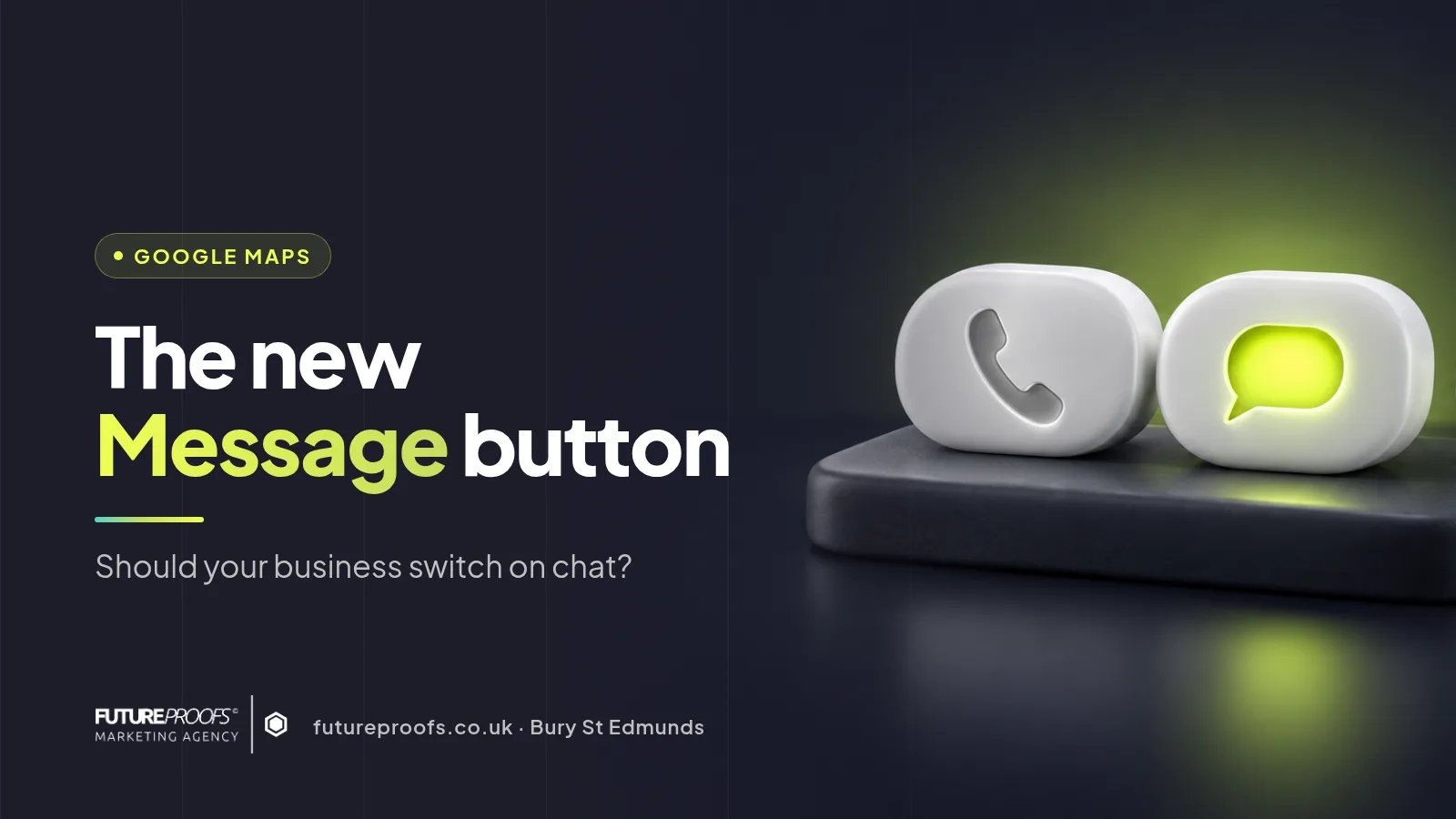
Google Maps now puts a Message button beside Call on business listings, and for a Suffolk plumber up a ladder or a Cambridge salon mid appointment, that's a second way in for a customer who would otherwise hang up. Google announced the change in its Small Business Bulletin on 5 November 2026.
The button only appears if you've set up a chat option, and it sends customers to WhatsApp or your text messages. Switch it on if someone will answer within a few hours. Leave it off if nobody will.
FutureProofs looks after Google Business Profiles as part of every website plan, so read this knowing we have an interest, and check the Google pages we link.
Key takeaways
Google said on 5 November 2026 that Maps on Android and iPhone now shows Message next to Call for profiles with chat set up.
Chat goes to WhatsApp or a number that receives texts, and if you add both Google shows only the text option.
Google says chat is available in select regions, so check your profile for a Chat row before planning around it.
An unanswered button costs you more than no button, so set an away message before you switch it on.
What changed on Google Maps?
The Message button moved from deep in your profile to the top row. In the bulletin, Google's Lisa Landsman wrote that finding chat on Maps used to need "scrolling deep down into your profile". Now it sits next to Call on the listing, in the expanded header and in the bar along the bottom of the screen.
Search Engine Roundtable published a screenshot of the button on a live iPhone listing the next day. The chat setting itself was already in profiles before this. Google switched off its old built in profile chat on 31 July 2024, and the current version hands the conversation to WhatsApp or your phone's text messages. The new part is where the button sits.
How do you set it up?
Setting it up is a short job, and Google's help page lists the steps. Your profile has to be claimed and verified first.
Open your Business Profile and click Edit profile, then Contact.
Next to Chat, select Edit.
Choose WhatsApp or Text message from the drop down.
Paste your WhatsApp link, or a mobile number that can receive texts.
Save, then wait for Google to review the edit.
A WhatsApp link uses the format WhatsApp sets out in its click to chat guide: wa.me, a slash, then your number in international format with no spaces or leading zero. A mobile starting 07 becomes 447 followed by the rest of the number.
If there's no Chat row at all, you aren't doing anything wrong. Google's help page says chat options "are currently available for select regions" and doesn't say which. Check again in a few weeks.
Option
Where the message lands
Good fit
Watch out for
WhatsApp
The WhatsApp or WhatsApp Business app on your phone
Trades and salons who already quote by photo
Customer messages sitting on a personal phone
Text message
Your normal SMS inbox
Owners who never open WhatsApp
Texts are easy to miss among everything else
Neither
Customers call or use your website
Firms where nobody can reply the same day
Losing people who won't ring
Who gains most from a Message button?
Owners who can't take calls during the working day gain most. A roofer in Stowmarket, a dog groomer in Thetford or a mobile mechanic near Haverhill can't answer with wet hands or a customer in the chair, and a caller who gets no answer can tap the next listing just as easily.
A message waits. Google pitches the button as a fallback for exactly this, so a customer can check availability or ask a quick question "instead of giving up". Photos help too. A customer can send a picture of a leaking valve or a dented panel, and you can give a rough idea before you drive out.
If you work from home and hide your address, chat fits that set up well. Our guide to service area profiles covers the rest of the profile settings that matter for mobile trades.
When switching it on is the wrong answer
Leave chat off if nobody will reply the same working day. Search Engine Journal put it bluntly: "a dead link or unread inbox now sits in one of the top buttons" on your listing. A customer who messages and hears nothing for 3 days is unlikely to try again.
It's also the wrong answer if the only phone that could take the messages is your personal one and you don't want customers there at 10pm. The WhatsApp Business app is free to download and gives you a business profile, a greeting message and an away message for outside your hours, so customers know when you'll reply.
Frequently asked questions
Is the Google Maps Message button free?
Yes. Adding a chat option to your Business Profile costs nothing, and the button links to WhatsApp or your text messages, so you pay only what you'd normally pay for those. The WhatsApp Business app is free to download.
Why can't I see the Chat option on my profile?
Your profile must be claimed and verified. Google also says chat is available only in select regions and doesn't name them, so a missing Chat row can simply mean it hasn't reached your area yet.
Can I use WhatsApp and text messages together?
You can enter both, but Google's help page says customers will see only the text message option. Pick the channel your team answers fastest, test it from another phone and leave the other field blank.
Will turning on chat help my Google ranking?
Google hasn't said it does, and nothing in the bulletin or the help page mentions rankings. Treat chat as a way to catch enquiries you'd otherwise miss while you're busy on a job.
3 checks before the Christmas rush
Check your profile for the Chat row, then send a test message from someone else's phone to make sure it lands. Set an away message before you switch it on, and add the same WhatsApp link to your contact page so the website and Maps match. It belongs on the same list as our Christmas checklist.
Every FutureProofs plan includes Google Business Profile work alongside the Webflow build, with SEO included as standard. Starter is from £189 a month, Business from £249 a month and Market Leader from £329 a month, on a 12 month term and then monthly at the same price. You can compare the 3 plans, or send us your listing and we'll tell you what we'd fix first.
Written by the FutureProofs team in Suffolk, and last updated on 21 November 2026.