A half day AI Setup Session at £495, 4 hours in person or online, where we learn your workflows and find AI solutions that fit. Each session is charged individually, so you book another only when there is more to look at.
Nothing to pay up front. 12 month minimum, then it rolls monthly at the same price. After that the site is yours to keep, moved into your own Webflow account for a one off £250.
BEHIND THE WORK
A small team who do the work themselves, building websites and brands for businesses across the region.
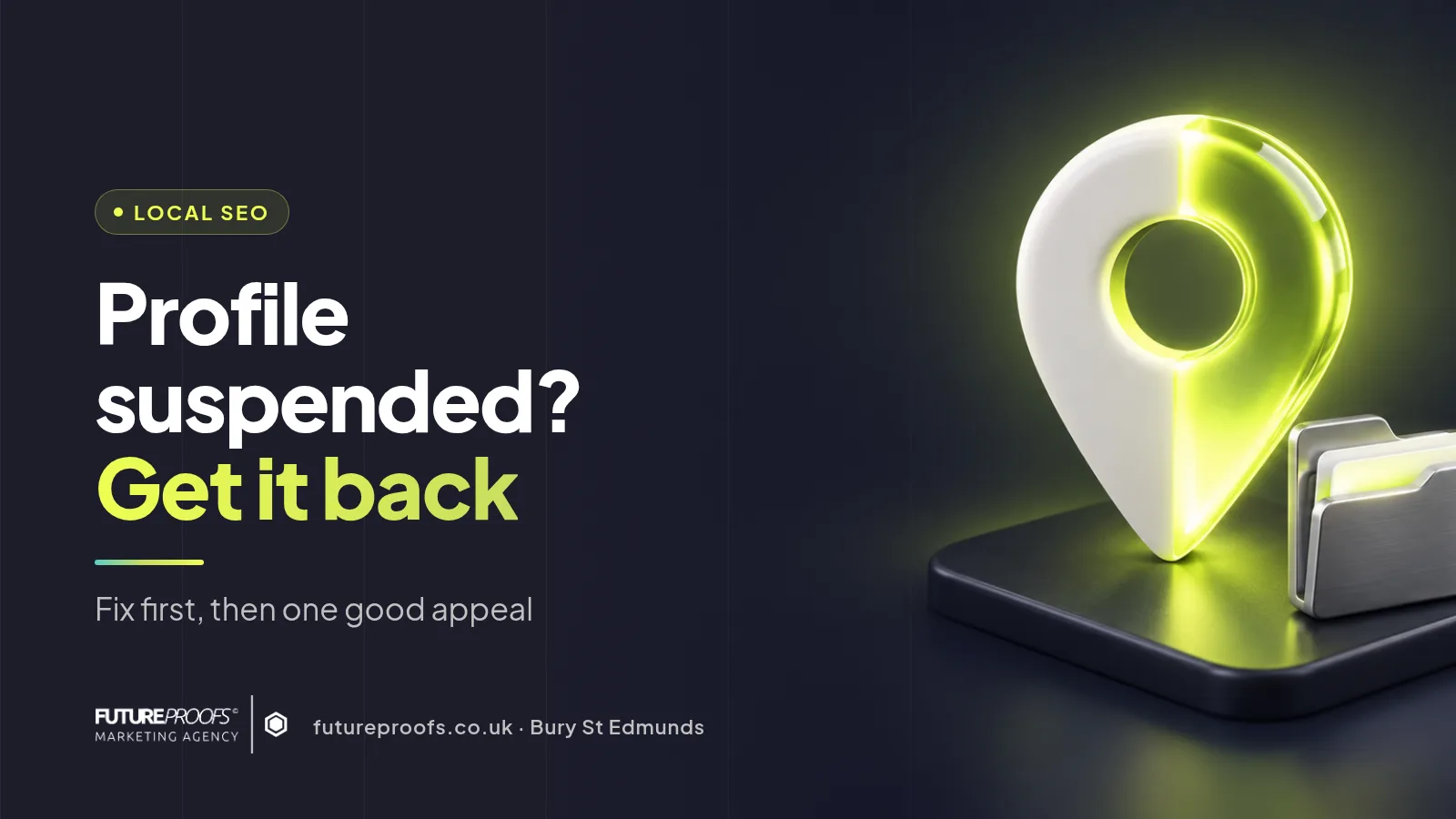
Suspended Google Business Profile: How to Get It Back
Why Google suspends Business Profiles, what to fix before you appeal, which evidence to attach, and why you only get one appeal, from Google's own help.
Local SEO
November 20, 2026
The route back from a Business Profile suspension is to fix the rule your profile broke, then send one well evidenced appeal. This guide shows how to find the reason and what to fix first, so you don't waste the single appeal Google allows.
It tends to happen on an ordinary morning. The calls stop, a customer mentions they couldn't find you on the map, and when you sign in to Business Profile it tells you the listing has been suspended for not following Google's guidelines.
FutureProofs looks after Business Profiles as part of every website plan, so we have an interest here. Everything below comes from Google's own help pages, which change often, so check them on the day you appeal.
Key takeaways
Google's appeals tool shows the date, the reason and the policy behind a suspension.
Fix the problem before you appeal, because Google says each appeal can only be submitted once.
Never create a new profile for the same business while the old one is suspended.
Business registration documents and utility bills help, as long as the name and address match the profile.
Why do Google Business Profiles get suspended?
Google suspends or disables profiles that don't follow its guidelines for representing your business. For a small firm in Suffolk or Norfolk, the name and the address are the two rules to check before anything else.
The name has to match the real world name on your sign, your website and your stationery. Google's examples rule out marketing taglines, opening hours, phone numbers and extra keywords. Its own help page says adding unnecessary information to the name could get a profile suspended.
The address has to be a real place where you work. A PO box isn't acceptable, and a virtual office isn't eligible. A desk at a coworking space only counts if it has clear signage, receives customers and is staffed by your own team during opening hours.
Likely cause
What Google's guidelines say
Fix before you appeal
Keywords in the name
Unnecessary information in the name could lead to suspension
Match the name on your sign exactly
Virtual office or PO box
Not eligible, or not acceptable
Use your real base, or set up as a service area business
Two profiles for one business
Only one profile per business
Keep the original, and remove the copy
Phone or website that redirects
The number must be under the business's direct control
Use your own number and your own site
Home address shown publicly
Service area businesses working from home should hide it
How do you appeal a Google Business Profile suspension?
Use Google's appeals tool, signed in to the Google account that owns or manages the profile. Google's page on fixing suspended or disabled profiles sets out the steps.
Open the appeals tool and pick the profile.
Select the decision you want to appeal. The tool shows the date, the reason, a link to the policy and whether you can appeal at all.
Attach evidence. Google lists business registration, a business licence, tax certificates and utility bills such as electricity, phone, water or internet.
Explain in a few plain sentences what was wrong and what you have changed.
Tick the confirmation box and submit. Google emails you its decision.
Check that every document shows the same name and address as the profile, because Google's own tip says they should match. A utility bill addressed to your accountant's office gives the reviewer a mismatch to explain.
If the appeal is turned down, Google may allow an additional review, where you can add evidence you didn't send the first time.
What if your whole account is restricted?
That's a different problem. When an account is restricted, every profile it manages is suspended, and you can't create or claim others. Google says to appeal the account first, from the My accounts page, and only then appeal each profile.
Agencies and staff accounts matter here too. If Google removes a manager's account, that manager loses access, but the locations themselves aren't affected. Keep the owner role with a Google account the business controls, not with a former employee or an old web designer.
When an appeal is the wrong answer
If your business genuinely can't meet the rules, for example a virtual office with no staff, an appeal won't change that. Fix the setup first, which may mean becoming a service area business, then come back to the profile.
And don't pay anyone who promises reinstatement by a certain date. Only Google decides, and nobody outside Google can guarantee the outcome. Spend that money on your website and its SEO instead, because a profile suspension doesn't take your website down.
Frequently asked questions
Can I make a new Google Business Profile while mine is suspended?
No. Google's help page says not to create a new profile for the same business, and its guidelines allow only one profile per business.
How long does a Google Business Profile appeal take?
Google doesn't publish a timescale. It reviews the appeal and emails you the decision, and you can track the status in the appeals tool.
What evidence helps a suspended profile get reinstated?
Documents that show your business name and address exactly as they appear on the profile. Google names business registration, a business licence, tax certificates and utility bills. A photo of your permanent sign helps support a name that includes unusual characters, since Google asks for real world proof of those.
Can I appeal a suspension more than once?
Each appeal can only be submitted once, so treat it as your one shot. If it's denied, Google may allow an additional review with new evidence.
A ten minute check of your own profile
Open your profile and compare the name with your sign, then check the address and phone number against your website.
Once the profile is back, our guides to winning more Google reviews and getting customers to search for you by name cover what comes next. Every FutureProofs plan includes Google Business Profile work alongside the website. Plans are from £189 a month for Starter, from £249 a month for Business and from £329 a month for Market Leader, on a 12 month term and then monthly. Compare the plans on one page.
Written by the FutureProofs team in Suffolk, and last updated on 20 November 2026.