Nothing to pay up front. 12 month minimum, then it rolls monthly at the same price. After that the site is yours to keep, moved into your own Webflow account for a one off £250.
BEHIND THE WORK
A small senior team building marketing engines for ambitious brands.
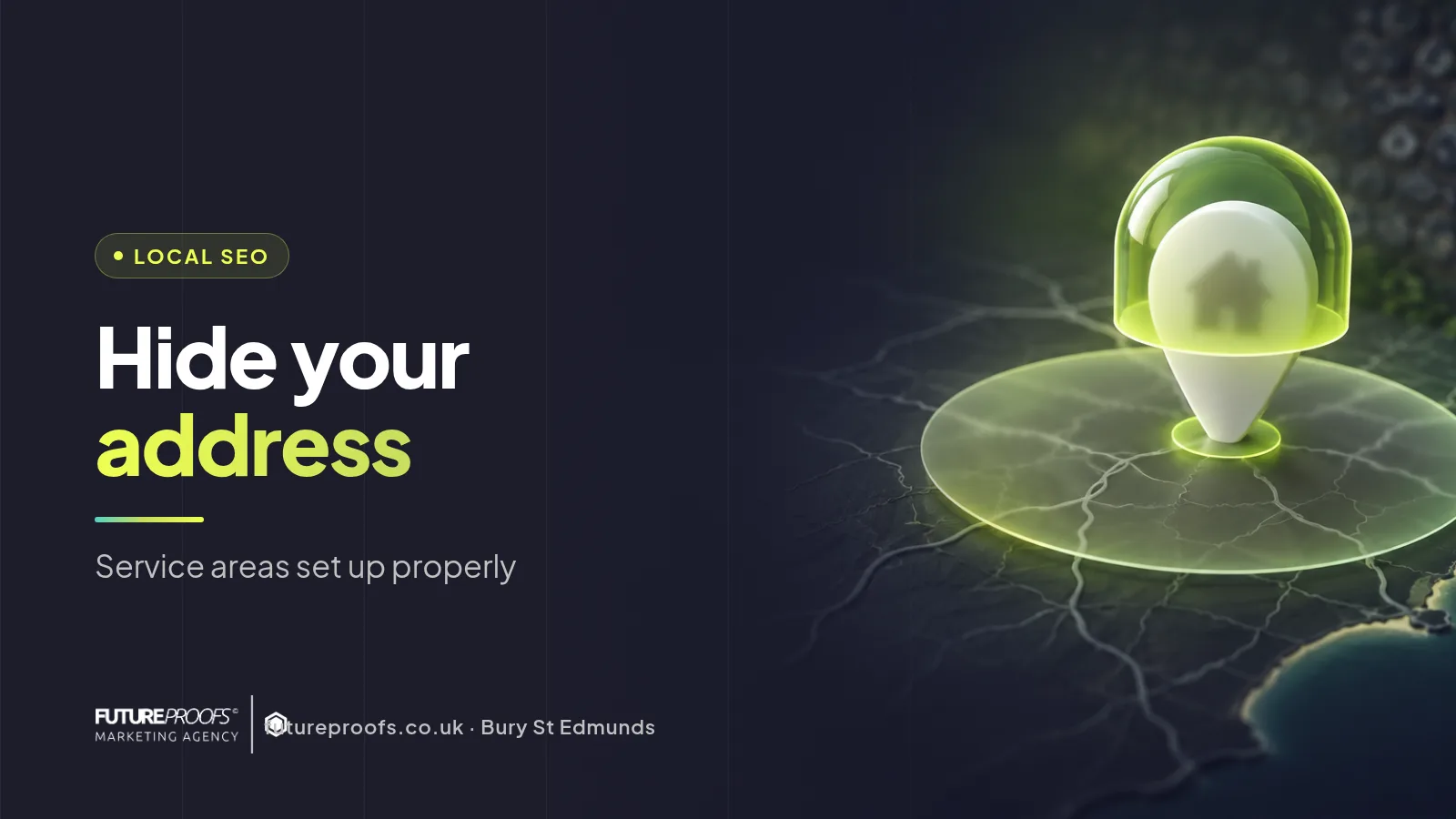
Google Business Profile Service Area: Hide Your Address
A Suffolk Webflow and SEO agency explains how to set a Google Business Profile service area, hide your home address and avoid suspension in 4 steps.
Local SEO
October 18, 2026
Working from home and don't want customers seeing your front door? Here's how to set a Google Business Profile service area, hide your address and avoid suspension.
Picture a sole-trader electrician in Haverhill (a made-up example). He opens his Google profile on his phone and his home address is right there. Anyone can read it.
If customers never visit you, set the profile up as a service-area business and hide the address. Verification is the fiddly part, and the catches come below. FutureProofs is a Webflow and SEO agency in Bury St Edmunds, and Google Business Profile work is in every plan, so we've a bias. Setting up your own profile is free, though, and you can do it yourself.
Key takeaways
Hide the address if customers never come to you. Google lets service-area businesses show areas instead. A home-based electrician in Haverhill is the textbook case.
List only towns you'd really drive to. Google caps how many areas you can add and how far they can reach, so check its help page.
Hiding the pin covers Google only. Your website footer and invoices can still show your home, and a Ltd company's registered office is public.
FutureProofs does this inside every plan, from £189 a month for Starter. Nothing up front, 12 month minimum.
How do you hide your home address on Google Business Profile?
Switch off the option that shows your address, then add the areas you serve. Verification comes last. It's all free.
1. Set it up as a service-area business
When you create the profile, say you go to customers. If the profile already exists, change the address in its info section.
2. Hide the address
Choose the option not to show it. The pin vanishes from Maps and Search. Google still holds the address privately, because it needs it to verify you.
3. Add your service areas
Add towns, not a long string of postcodes. Our electrician might list Haverhill and Sudbury. A short list of honest towns beats 15 hopeful ones.
4. Verify
For many service-area businesses that means a video. Google may ask to see your van and your tools, and where you work from. Film it in one take. No stock footage.
Which service areas should you list, and does hiding your address hurt ranking?
List the towns you'd really drive to. Hiding the pin doesn't remove you from the map pack, but distance still counts, and Google still knows where your base is.
Take a plumber in Stowmarket (hypothetical again). Fifteen towns across 3 counties looks like spam. Stowmarket and its villages looks real.
Here's how the common set-ups work out.
Your situation
Show address?
What to set in your profile
Main risk
Work from home, customers never visit
No
Hide the address, list service areas
Verification delays, or home still visible elsewhere
Unit or workshop, customers visit
Yes
Show the address, add opening hours
Hiding it can mislead people
Home base plus occasional visits
Depends
Choose by main customer behaviour
Mixed signals
Shared office, virtual office or PO box
Not valid
Use your real working address
Suspension
Ltd company, registered office at home
Hide on Google
Check Companies House too
The public register still shows it
The profile is one piece of local visibility. Your website has to back it up with a page for each service in each town you list, which is how SEO works in our plans. If you cover the Haverhill area, local SEO in Haverhill shows what that looks like.
When hiding your address is the wrong answer
Don't hide it if customers visit you at a unit or a shop. Show it, with opening hours.
Shared offices, virtual offices and PO boxes are a different problem. Google doesn't accept them as an address, and using one risks a suspension. Use the place you really work from.
If your profile is already verified and ranking, leave it alone. And if all you want is a one-off tweak, do it yourself. Our plans are built around a website with the SEO included, not a single profile fix.
Want the website too? What each plan includes is all on one page. Starter is from £189 a month for 6 services across 6 towns. The top plan, Market Leader, is from £329. Extra towns are £15 a month each.
Frequently asked questions
Can I have a Google Business Profile if I work from home?
Yes. If you travel to customers, Google treats you as a service-area business, so you can hide your home address and show the areas you cover. If customers come to your home, the rules change and you'd show the address.
How many service areas can you add to Google Business Profile?
Google sets a limit, and its help page has the current number. Either way, a short list of towns you really serve looks more believable than a long one.
Why was my service area business profile suspended?
Usually the address or the name. A virtual office or PO box can trigger it, and so can a business name stuffed with keywords. Fix the cause first, then request reinstatement.
Can customers still see my home address after I hide it on Google?
Possibly. Hiding it covers Google only. Your website footer and invoices might still show it, along with old directory listings. A Ltd company with a registered office at home also has that address on the public Companies House register.
Check your own profile this week
Search your trade plus your town on a phone, in a private window, and see what appears. Then look at your website footer and a recent invoice for your home address.
Ltd company? Look up your registered office on Companies House.
Send us your current site and the towns you cover. We'll tell you what's missing on your profile, even if you never hire us. Start with the contact form.
Written by the FutureProofs team in Suffolk. Reviewed by Luke. Updated 15 Oct 2026.